It is 08:47 on a Tuesday and the phone rings. A customer cannot place an order, or cannot log in to the portal, or has been waiting since yesterday for an order that was "confirmed" online. Someone apologises, promises to look into it, and walks over to whoever handles IT. That is the moment most businesses find out something is wrong.
If the customer is the first to know, you found out too late. You have just used the slowest, most expensive and least forgiving monitoring system available, and it is the only one that also costs you goodwill. Watching your connections, firewalls, services, databases and functions is no longer a refinement for large companies. It is the minimum for any business that depends on systems to trade.
Anatomy of a Tuesday
Here is a composite of incidents we have been called into, condensed into one morning. Nothing about it is unusual.
| Time | What happened | Who knew |
|---|---|---|
| 01:58 | The database server's log disk passes 95% full. It has grown by about 2% a week for months. | Nobody |
| 02:30 | The nightly integration that sends web orders to the warehouse system fails with "disk full" and writes the error to a log file. | Nobody |
| 03:00 | The backup job fails for the same reason. The console shows a red cross that no one will look at today. | Nobody |
| 06:00 | The website, hosted elsewhere, keeps taking orders and sending confirmation emails. The orders simply never reach dispatch. | Nobody |
| 08:47 | A customer phones about yesterday's order. | One customer |
| 09:25 | IT finds the full disk, clears space and re-runs the integration. Fixed by 10:05. | Everyone |
The repair took forty minutes. The finding out took nearly seven hours, and a simple disk-space alert would have flagged the problem weeks before it ever happened. That gap, between when something breaks and when someone who can fix it knows, is the part most businesses never measure. It is usually much longer than the repair, and it is the part monitoring removes.
Downtime is not the time it takes to fix something. It is the time from the first failure to the last fix, and most of it is spent not knowing.
Why this stopped being optional
Ten years ago a small business had one server, one internet line and one accounting package. When something failed, it failed loudly: the server was off and everyone noticed. That world is gone, for five reasons.
- There are far more moving parts. Cloud apps, an online store, a payment gateway, integrations between them, a VPN to the branch, staff working from home. Failures are now more often partial and silent than total and obvious. One piece stops and the rest carries on, cheerfully producing wrong results.
- Customers are online when you are not. An online store, a booking page or a B2B portal is open at 22:00 on a Sunday. The person who discovers it is broken is a customer, and they do not phone; they go elsewhere.
- Attackers count on nobody watching. Most serious breaches are preceded by days or weeks of quiet activity: repeated logins, an unexpected admin account, a firewall rule changed, traffic to an unfamiliar country. Every one of those leaves a trace. Without monitoring, the trace sits in a log until the ransom note arrives.
- The law assumes you will notice. Section 22 of POPIA requires you to notify the Information Regulator and affected people as soon as reasonably possible after you discover a security compromise. You cannot report what you never discovered, and without logs you cannot say what was taken.
- Insurers and larger customers are asking. Cyber-insurance applications and supplier security questionnaires increasingly ask how you would detect an incident, not only how you would recover from one. "A customer would tell us" is not an answer that survives the form.
The five layers worth watching
Monitoring is often sold as a single product. In practice it is five different questions about five different layers, and a business needs an answer for each.
| Layer | Watch for | The quiet failure |
|---|---|---|
| Connections | Latency, packet loss, which link is active, VPN tunnels up | The fibre is "up" but dropping packets, or failover to LTE happened three days ago and nobody knows |
| Firewalls | Health, firmware age, licence expiry, rule changes, blocked and failed logins | The security subscription lapsed in March and the firewall stopped updating its threat protection, while still passing traffic |
| Services | The application responding to a real request, certificates, domains, disk and memory | The service is "running" but every login returns an error page |
| Databases | Size and growth, free disk, blocking and slow queries, backup jobs, failed logins | The database has been creeping towards a full disk for months |
| Functions | Scheduled jobs, integrations, serverless functions and webhooks completing on time | The 02:30 job did not fail. It simply did not run, so there was no error to see |
Connections: "up" is not the same as usable
Most connection monitoring asks one question: can I reach the router? That misses the failures people actually feel. A line with 8% packet loss is technically up and makes every video call, VoIP call and cloud app miserable. A failover to LTE that worked perfectly is good news on the day, and bad news three weeks later when the data bundle runs out and the primary line was never fixed. Watch latency and loss over time, alert when the backup link becomes the active one, and check the branch VPN tunnels individually rather than assuming they came back after the last power cut.
Firewalls: the guard nobody watches
The firewall is the one device whose whole job is watching, and it is almost never watched itself. It quietly logs every blocked attack, every failed VPN login and every rule change, and those logs are read when something has already gone wrong, if at all. The things worth an alert are not exotic: the device going offline or running hot, firmware more than a few releases behind, the security licence nearing expiry, a configuration change outside a change window, and a burst of failed logins or a successful one from a country where you have no staff. A firewall whose logs no one reads is like the CCTV system that records everything and is only ever played back after the break-in.
Services: test it the way a customer would
"The service is running" is the most misleading sentence in IT. A process can be running and return nothing but errors. A web server can answer while the application behind it has lost its database connection. The fix is to monitor from the outside in: a check that loads the real login page, signs in with a test account, searches for a product or opens a report, and alerts if any step fails or slows down. Add the dull but deadly expiry dates as well, the TLS certificates and domain names, because an expired certificate takes a working site offline for every visitor at once, on a date you could have read off a calendar.
Databases: they fail slowly, then all at once
Databases rarely fall over without warning; they give months of notice that nobody reads. Data files and transaction logs grow, free disk shrinks, a report that took two seconds now takes forty, and occasional blocking turns into the whole system freezing at month-end. Watch growth as a trend, not only a threshold, so that the alert says "this disk is full in about three weeks" rather than "this disk is full". Monitor the database backup jobs separately from the server backup, because a database copied as files while it is running often cannot be restored, which is the subject of the backup you have never restored.
Functions: monitor the silence
This is the layer most businesses miss entirely, and it is where the most expensive surprises live. The nightly stock sync, the integration that posts invoices to accounting, the function that sends order confirmations, the job that pushes payroll to the bank: when one of these fails, it often produces no error at all. It just does not happen. A server that crashes is loud. A scheduled job that never started is silent, and silence looks exactly like health.
The answer is to monitor for the absence of an event, not only the presence of an error. Each job checks in when it finishes, a pattern usually called a heartbeat, and if the 02:30 job has not checked in by 03:15, someone is told. Go one step further and check the result as well as the run: an integration that "succeeded" but moved zero orders on a weekday is not a success. This is where most of the value of connecting your systems is protected or lost.
Playing with the idea: five ways to think about it
The layers tell you what to watch. These are the ideas that make the difference between monitoring that helps and a dashboard nobody opens.
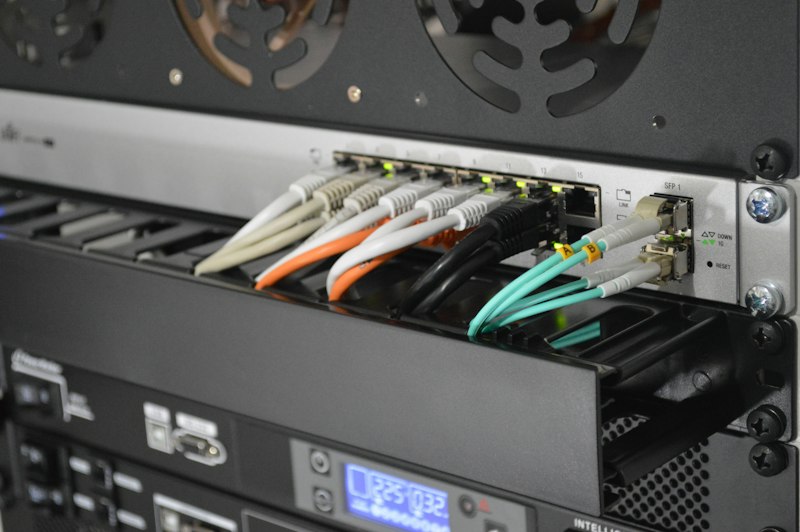
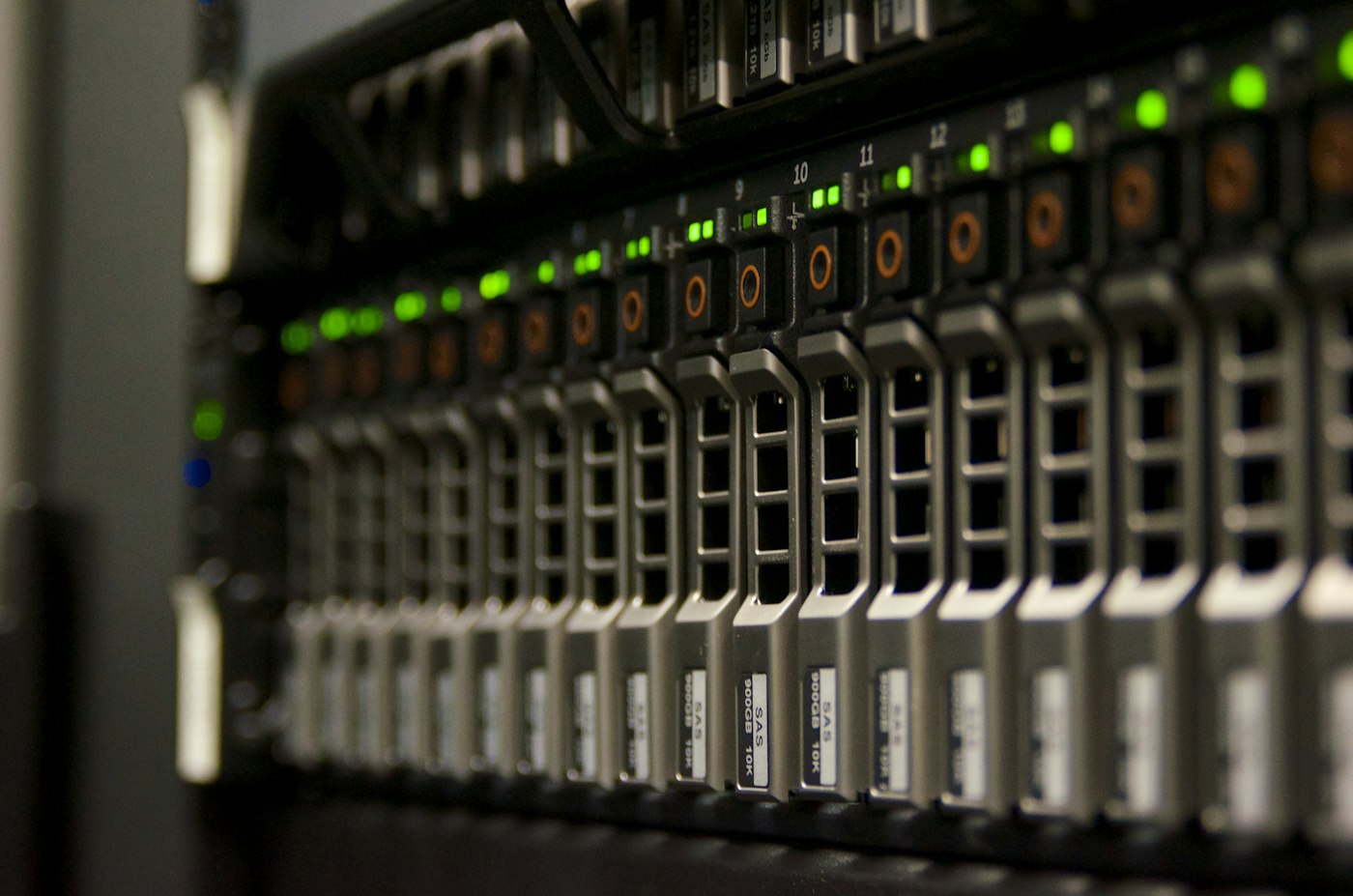
- Green lights lie. Every light on the rack can be green while a customer stares at an error page. Hardware status tells you the box is alive; only an outside-in check tells you the business is working.
- Watch the business, not just the box. Some of the best alarms are business numbers. Orders per hour, invoices posted, logins per morning. If online orders drop to zero at 11:00 on a weekday, something is broken, whatever the servers say. These signals catch failures no technical check was written for.
- Trends beat thresholds. An alert at 95% disk gives you hours. A trend that says "full on 14 November" gives you weeks, and turns an emergency into a line on next month's to-do list.
- An alert is a request for a decision. If an alert fires every day and nobody acts on it, it is training your people to ignore alerts. Every alert should have an owner and an obvious next step, or it should be tuned until it does, or deleted. Ten alerts that matter beat four hundred that do not.
- Silence is not proof. A monitoring system that has not raised an alert for six months is either watching a perfect environment or has quietly stopped working. Test it on purpose: stop a test service, fill a test disk, and confirm the right phone rings.
Don't let the monitor share the fate of what it monitors
A monitoring tool running on the same server it watches dies with that server and reports nothing. One that sends its alerts by email through the same internet line that has just gone down cannot tell you the line is down. Keep at least the outside-in checks somewhere else entirely, a separate cloud service or a small device on a different connection, and send critical alerts by a second channel such as SMS or a push notification.
Why we built SSAMT
We kept walking into the Tuesday in that table. So we built the tool we wanted to hand our own clients: SSAMT, a hosted monitoring service designed around one idea, knowing before your customers do. It maps onto the layers above:
- Connections and firewalls. Fibre and LTE links per branch, with real latency, jitter and packet loss, and an alert the moment a site fails over to backup, loses its redundancy or goes down.
- Usable, not just up. Scheduled speed tests from each branch with a bufferbloat grade, line quality scored as call quality (MOS), and how long Microsoft 365 and your own applications take to respond from the office, with an alert when a line is slower than it should be.
- Services, tested like a customer. Website and API checks that look at status codes, keywords and returned values, so you know the site works rather than just that the server answers, with certificate and domain expiry included.
- Inside your network too. A small on-site node for Windows, Linux or Docker watches private servers, intranet sites and LAN devices. It only connects out over HTTPS, so no ports are opened. Network discovery lists every device on the network and emails you when something new connects.
- Functions and backups. Heartbeat monitors raise the alarm when a nightly backup, integration or scheduled job silently stops running.
- Databases are next. Database monitoring, including disk space, uptime and growth, is on the SSAMT roadmap. Until it lands, watch database servers with the trend-based disk alerts described above, and put a heartbeat on every database backup job so a missed one is caught the same morning.
- Security exposure. It flags RDP or admin pages left open to the internet and mail IPs that have landed on a blacklist.
- Alerts that reach a person. Email and Telegram by severity, and an SMS, WhatsApp message or voice call for the serious outages. On-call rotas send each alert to whoever is on call, escalate if nobody responds, and handle swaps and leave. Dependencies mean one outage produces one alert rather than forty.
- Why it went down. It reads firewalls, switches and UPSes over SNMP and syslog, so reboots, power failures, link drops and configuration changes become evidence, and every outage gets a drafted root-cause report you review before sending.
Its outside checks run from our servers rather than yours, which solves the problem in the callout above: the monitor does not go down with the thing it is monitoring. It also gives you a public status page and monthly SLA reports, and insights on availability, downtime, time to recover and root causes over 7, 30 or 90 days, so the people who depend on your systems can see the record for themselves. There is a 14-day free trial with no card needed, and the full story of how it came about is on the SSAMT page.
A tool still only does half the job. The other half is three decisions: what matters, who is told, and what they do next. That is the difference between monitoring and owning software that could monitor, and it is the part we help set up.
Start this month
You do not need a project. You need an afternoon and a short list.
- Write down what you would hate to hear from a customer. "Your site is down." "My order never arrived." "Your invoice email is in my spam." Each of those is a check waiting to be written.
- Add outside-in checks for everything a customer touches. Website, portal, online store checkout, email, with alerts on certificate and domain expiry.
- Put a heartbeat on every scheduled job and integration. List them first; most businesses discover jobs they had forgotten existed.
- Check the firewall today. When does its security licence expire, how old is its firmware, and who is alerted when its configuration changes?
- Watch disk growth on every database server as a trend. And alert on every failed backup, the same morning.
- Decide who gets woken up. Name a person for each alert, and a backup person for when they are on leave. An alert sent to a shared mailbox is an alert sent to nobody.
- Break something on purpose. Then confirm the alert arrived, reached the right person, and told them enough to act.
Once that is in place, ask for a short monthly report: what alerted, what was fixed before anyone noticed, and what is trending towards trouble. It turns monitoring from an invisible cost into something you can see working, and it belongs alongside the annual IT health check as the evidence that your systems are being looked after rather than waited on.
Three questions for whoever runs your IT
- If our nightly integration did not run tonight, how and when would we find out?
- When does our firewall's security licence expire, and who would be told if a rule changed?
- In the last three months, how many problems did you fix before a user or customer reported them?
The last question is the one that matters. If the answer is "none", then your IT is reactive no matter what the contract calls it, and your customers are doing the monitoring for you. That is the job our application support is built around: knowing before the phone rings.