South African businesses have spent years building a reflex around power. Some of that investment was panic, some of it was expensive, and a fair amount of it protected the wrong things — a boardroom with lights and a server room without, or an inverter that runs the office and not the fibre box it depends on. The grid may behave better in some seasons than others, but cable theft, substation faults, municipal maintenance and a truck reversing into a pole have not gone anywhere. The question was never "will the power go out". It is "what does the business lose in the twenty minutes it is off".
Backup power is not one purchase. It is a ranking exercise: keep the data safe, keep the business trading, keep people comfortable — in that order, and rarely all three.
Rank the loads before you price anything
Every quote you will receive is a function of what you decide to keep alive. Sorting the loads first is what separates a considered spend from an expensive one.
Tier one — data integrity. Anything that can be corrupted by an abrupt stop: servers, the NAS, the database machine, the switch they sit behind. These do not need to keep working through an outage; they need to shut down gracefully, which is a much smaller and cheaper requirement.
Tier two — the ability to trade. The point-of-sale, the card machine, the router and the ONT, the phones, the laptops of the people who take orders. This is the tier that decides whether an outage costs you a morning's revenue or merely a morning's comfort.
Tier three — everything else. Lights, aircon, kettles, the big monitors. Nice, and the first thing everyone asks for.
The fibre box everyone forgets
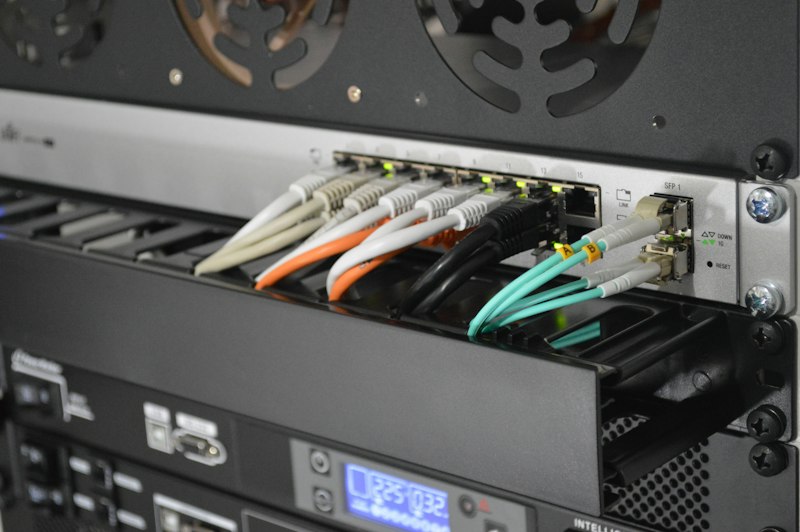
The most common failure in a well-meaning setup: the laptops have batteries, the inverter carries the desks, and the internet is still dead — because the ONT on the wall, the router beside it and the switch in the cupboard were never on backup power. They draw almost nothing. Skipping them is the difference between a team that keeps working and a team that goes to the parking lot.
Worth knowing too: your line is not only about your building. Fibre network equipment in the street and the mobile towers your failover depends on have their own batteries, and a long or repeated outage drains those. Which is the honest limit of any office power plan — you can keep your side alive for hours and still find that the neighbourhood cannot carry you. That is a connectivity question as much as a power one, and the two plans belong on the same page.
UPS, inverter, generator: what each is actually for
A UPS is a shutdown device, not a power supply. Its job is to hold a server up for a few minutes and then tell it to close down cleanly. If it is doing that job it is worth every cent, because the alternative is a database that stops mid-write and a restore from last night's backup. Connect the signal cable, not just the power cable — a UPS nobody wired to trigger a shutdown is a battery with an alarm on it.
An inverter and battery is the workhorse for a small office: silent, no fuel, no permit, low maintenance, and sized in hours rather than minutes. It carries a defined circuit — the ones you ranked — and it will not run an air conditioner or a kettle no matter how much anyone would like it to. Batteries are consumable; budget for replacement on a horizon of years, not decades.
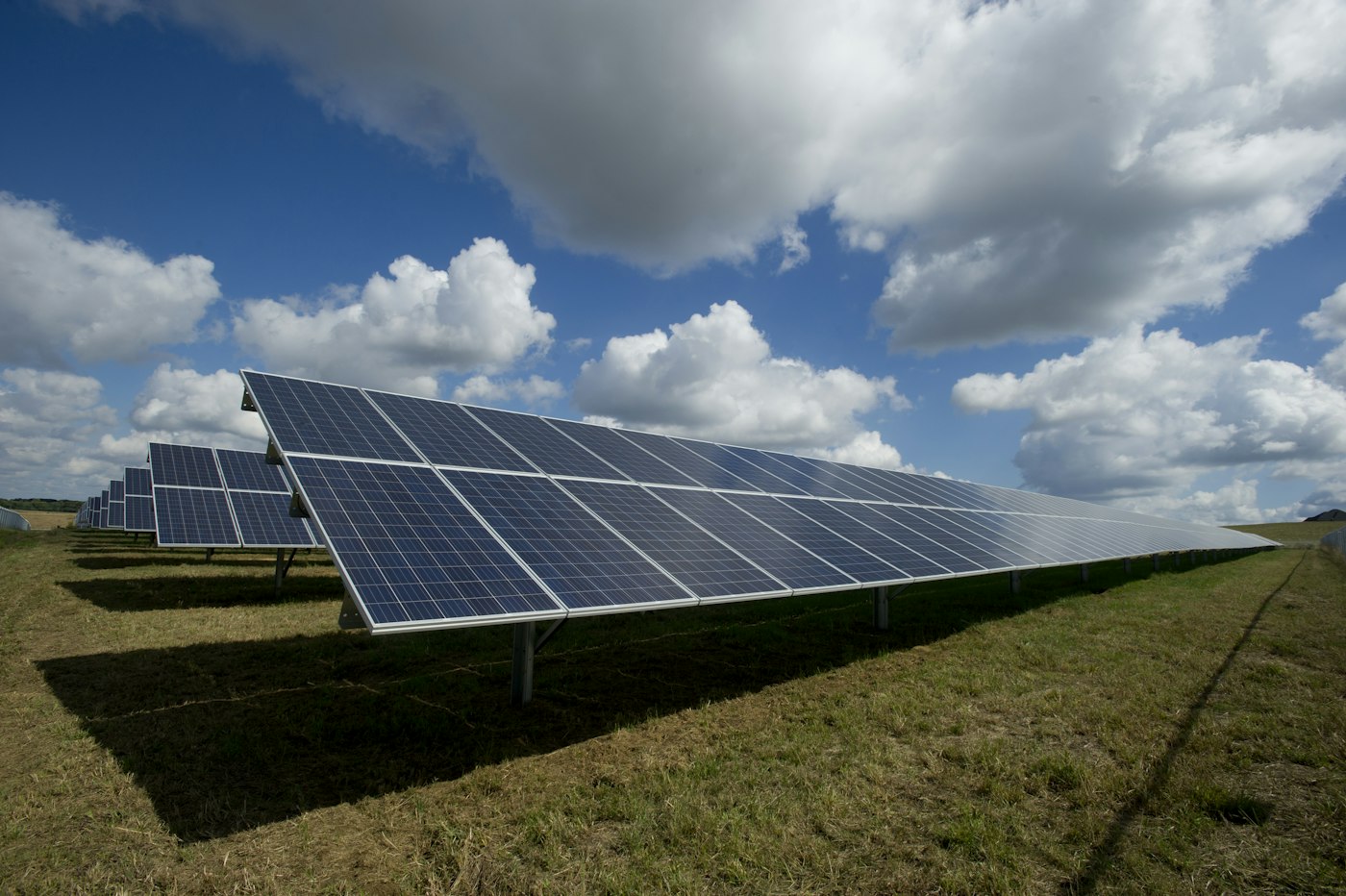
A generator is for load, duration and equipment that genuinely cannot stop: production lines, cold chain, a full building. It brings fuel, noise, servicing, exhaust and neighbours into your life, and it needs to be run under load periodically or it will fail on the day you need it. Solar changes the economics over years rather than solving an outage on its own — panels without storage produce nothing at 7pm, which is exactly when a shop wants them.
A UPS buys you a clean shutdown. An inverter buys you working hours. A generator buys you a working day. Businesses get into trouble when they buy one and expect another.
The damage you do not see
Outages are not just downtime; they are wear. Every hard stop is a small gamble with a database and a filesystem. Every restoration is a surge event — and the switch-on, not the switch-off, is what kills equipment. Surge protection at the distribution board and on the comms cabinet is the cheapest insurance in this whole article.
Then there are the systems that fail quietly. Backups that never complete because the window keeps getting interrupted, and nobody reads the report. Cameras and alarms running on a five-year-old battery that now holds twenty minutes instead of four hours — the exact gap a break-in is waiting for, which is worth reading alongside what a modern camera system should do. Gate motors that fail closed with a delivery vehicle inside. Comms rooms that cook, because the aircon was tier three and the equipment inside it was tier one.
Cloud moves the problem, it does not remove it
"We are in the cloud, so load shedding is not our problem" is half true, and the wrong half. Your data is safe in a data centre with more redundancy than you will ever buy. But the cloud is only reachable through the line into your building, so a business that has moved everything online has concentrated its entire operational risk into the router and the ISP — a trade-off worth weighing deliberately, and one we unpack in cloud, on-premise or hybrid. Protect the network gear as though it were a server, because operationally it now is one.
The twenty-minute test
Pick a quiet morning, tell everyone, and switch the mains off at the board for twenty minutes. Watch what dies, in what order, and time how long the recovery takes. You will learn more in those twenty minutes than in any amount of specification — and you will find the one plug that matters, which is always in a cupboard nobody has opened since the office was fitted out.
What it costs, and what it is worth
The honest answer is that a small office can protect tier one for the price of a decent laptop, tier two for the price of a good used car, and tier three for considerably more than most businesses want to spend on comfort. That ordering is the whole point. Work out what an hour of not trading actually costs you — lost sales, idle wages, a delivery window missed, a customer who phones the competitor — and buy down from there.
The businesses that came through the worst years in decent shape were not the ones that spent the most. They were the ones that knew which twelve things had to stay on, kept those twelve things on, and tested it before they needed it. Put the outcome of your twenty-minute test into next year's IT plan and it stops being a panic purchase and becomes a line item, which is where it belongs.